
An Instagram story scheduler is a tool that queues a photo or video to post automatically to Instagram's 24-hour Story feed at a set time, without you opening the app. The part most searches skip past: a large share of the tools that advertise this don't actually auto-publish a Story at all. They send a push notification when the time hits, and you still open Instagram and tap publish yourself.
That one distinction, auto-publish versus reminder, decides whether a tool saves you a step or just moves the reminder from your own calendar app into theirs. Everything below is about telling the two apart before you pay for either.
Auto-publish vs. a reminder: the distinction that decides everything
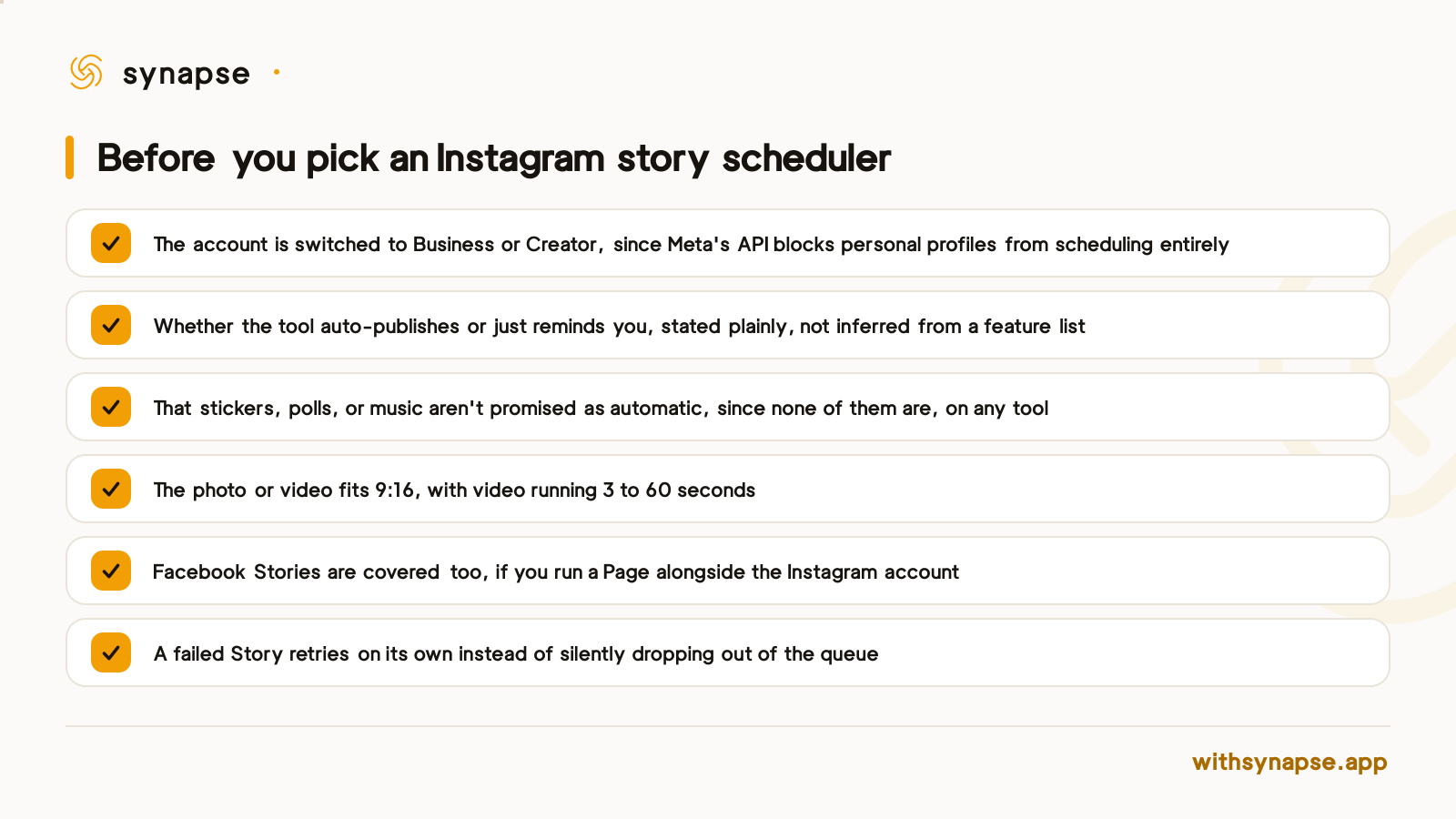
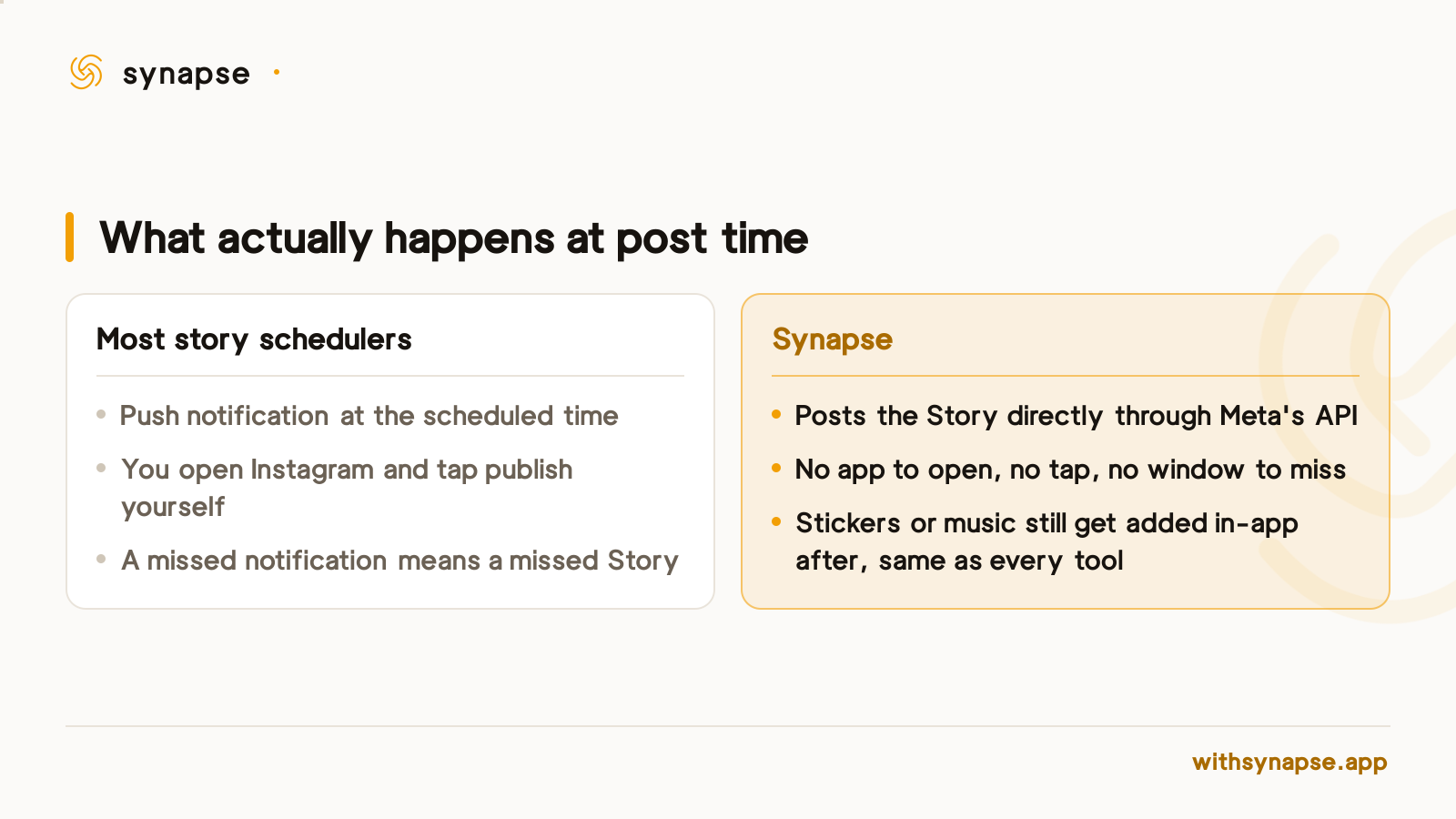
Buffer's own documentation is direct about which path its Story scheduling takes: Stories publish automatically on Business and Creator accounts set to "Automatic," while personal accounts get a "Notify Me" reminder instead (Buffer). SocialPilot's guide confirms the same split runs across the category: Meta Business Suite is the only path that publishes a Story with no manual step at all, while most third-party tools send a push notification at the scheduled time and the Story still gets posted by hand in the Instagram app (SocialPilot). A tool can be entirely honest about this and still bury it three screens into its feature list, which is why it's worth confirming directly rather than assuming a "Schedule Story" button means what it sounds like.
What no Instagram story scheduler can do, including Instagram's own
Even on the paths that do auto-publish, the Story that goes out is plainer than the one you'd post live. SocialPilot's reporting states it plainly: Instagram's API restricts third-party apps from auto-publishing a Story with interactive elements like polls, quizzes, or music, and as a result no scheduler currently auto-publishes those intact (SocialPilot). Buffer's guide adds that even a scheduled Story with a caption, text, or a sticker switches a Business account over to a reminder instead of auto-publishing, because the API path only accepts a bare image or video (Buffer). This is a Meta platform limit, not a gap any one tool has failed to close, so a scheduler that claims to auto-publish Stories with working polls or music is describing something the API doesn't support.
Before you pick one, check these six things
Auto-publish vs. reminder, compared
| Path | Auto-publishes a Story | Stickers, polls, or music added automatically | Retries a failed Story |
|---|---|---|---|
| Meta Business Suite | Yes, Business/Creator accounts only | No | No |
| Typical reminder-based tool (e.g. Later) | No, sends a push notification, you post it yourself | No | Not applicable |
| Synapse | Yes, to Instagram and Facebook, no reminder step | No | Yes, only the account that failed |
How Synapse schedules an Instagram Story
Synapse treats Story as its own post type in the composer, separate from a feed post or a Reel, because the underlying API call is different: one image or one video, no caption field at all, since Meta's Content Publishing API doesn't accept a caption on a Story container. Queue it, and Synapse calls that API directly at the scheduled time; there's no push notification standing in for the post, because the post itself is what happens.
Instagram and Facebook Stories from the same post
Synapse's Story post type isn't Instagram-only. The same queued image or video can publish to a connected Facebook Page's Stories too, through Facebook's own equivalent API edges, so an account running both doesn't need a separate tool or a second upload for the Page side. See the Instagram scheduler guide for what native scheduling on Instagram covers beyond Stories, and the Facebook scheduler guide for the Page side specifically.
What it costs
Story scheduling is on every Synapse plan, starting at $7/month on Starter (5 connected accounts), with Creator at $19/month (15 accounts) for anyone running more Instagram or Facebook accounts than Starter's cap covers. Every plan includes a 7-day free trial with a card on file.
If you're scheduling Reels alongside Stories on the same account, the trade-off is different: a scheduled Reel locks its audio into the file before it posts, which costs reach if that audio was meant to be trending. Our guide to scheduling Reels in advance covers that specifically. And if the account you're adding is a second or third Instagram login rather than your first, connecting more than one account has its own login quirk worth knowing before you start.
Frequently asked questions
Does any Instagram story scheduler auto-publish stickers, polls, or music?
No. Meta's Content Publishing API blocks any third-party app, and Instagram's own scheduler, from attaching interactive elements to a scheduled Story. Any tool claiming otherwise is describing something the API doesn't allow.
Can I schedule a Story to a personal Instagram account?
No. Every scheduling path runs on Meta's Content Publishing API, which only accepts Business or Creator accounts. A personal profile has to switch account type first, on any tool, including Meta's own.
How far in advance can I schedule an Instagram Story?
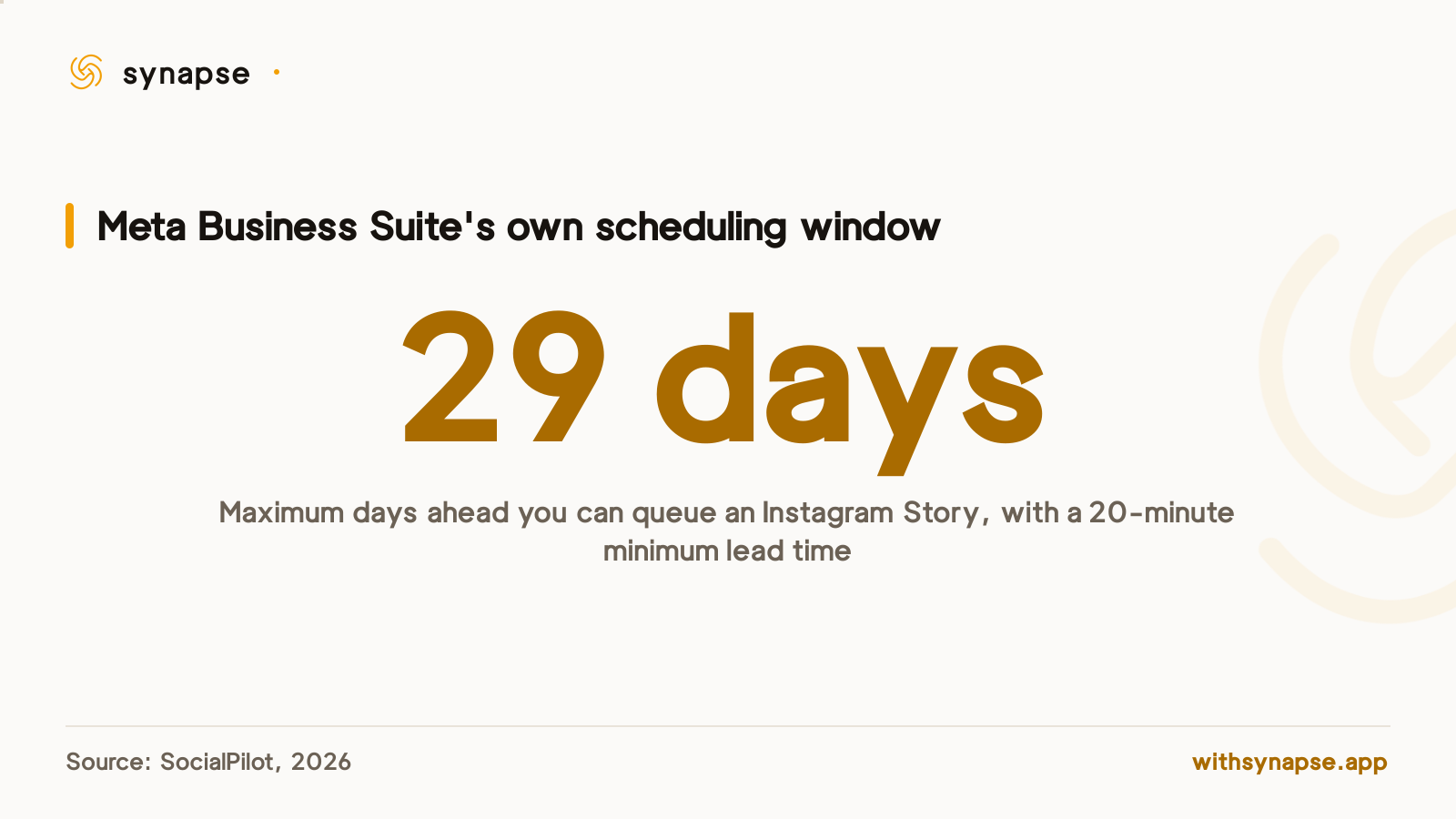
Meta Business Suite caps it at 29 days ahead with a 20-minute minimum lead time. Third-party tools run on their own publishing limits rather than that specific window.
Does Synapse send a reminder or actually post the Story?
It posts directly through Meta's API at the scheduled time. There's no notification standing in for the post; the Story goes live without you opening the app.
Can I schedule a Story to Facebook as well as Instagram?
Yes. The same Story post type publishes to a connected Facebook Page through Facebook's own Story API, so one queued photo or video can cover both without a separate upload.
What file does a scheduled Instagram Story need?
One photo or one video, 9:16 aspect ratio, with video running 3 to 60 seconds. There's no caption field, since Meta's API doesn't accept one on a Story container.