
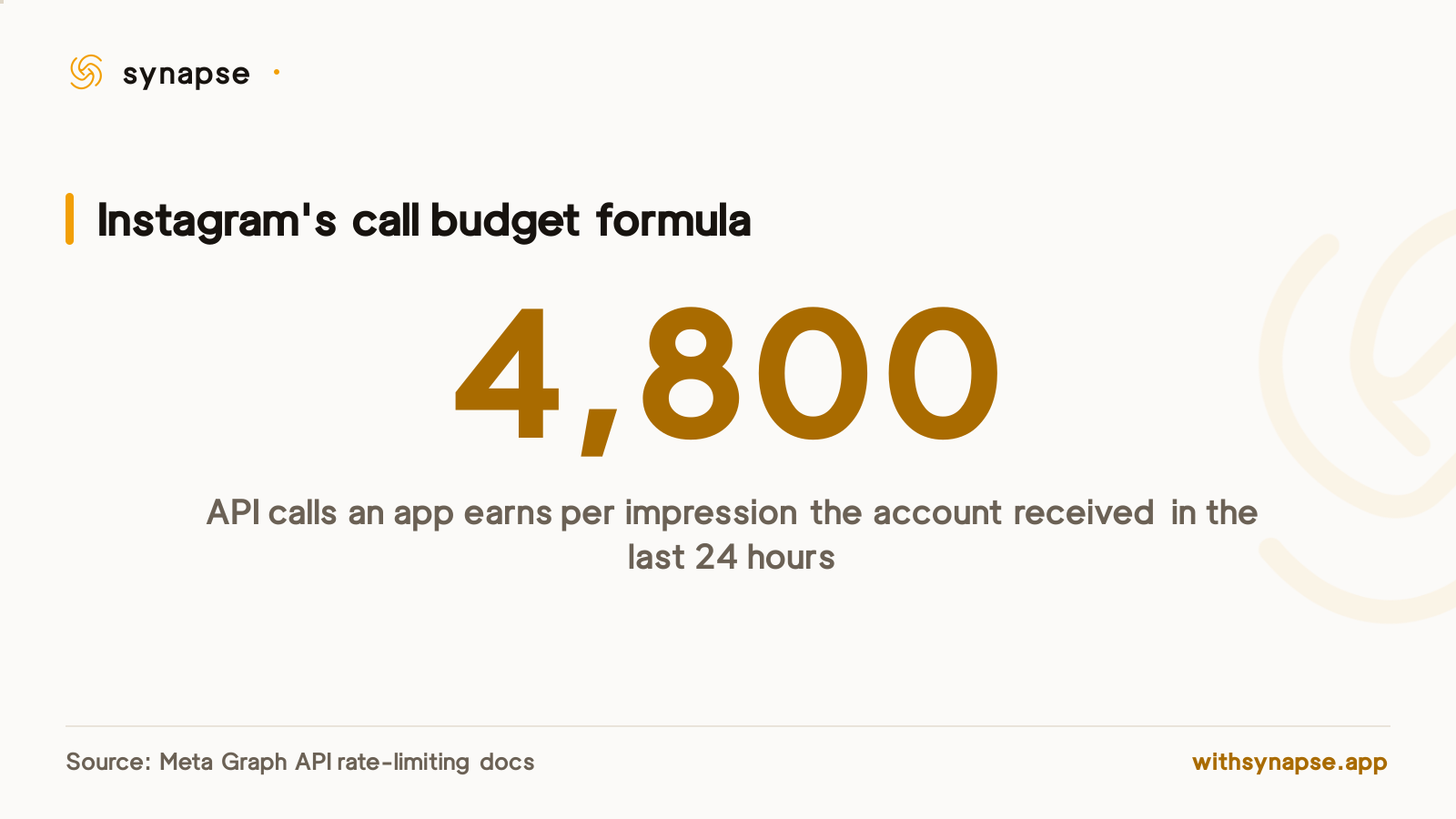
Instagram's Graph API enforces two separate limits that matter to a scheduler, and they fail differently. The first is a rolling call budget tied to your account's own impressions, formally 4,800 calls for every impression your account's content received in the past 24 hours. The second is a flat cap on how many posts can actually go live through the API in a day, separate from how many calls you have left. A new or low-traffic account can run out of the first long before it ever touches the second.
The two limits Instagram's API actually enforces
Most scheduler complaints about Instagram rate limits conflate two different mechanisms. One governs how many API calls your connected account can make at all; the other governs how many of those calls are allowed to be a publish. They're tracked separately, and a scheduler can be comfortably inside one while running straight into the other.
| Limit | What it caps | The number | Source |
|---|---|---|---|
| Business Use Case (app call) limit | Every Graph API call the app makes for that account, except messaging | 4,800 × impressions in the last 24 hours | Meta Graph API rate-limiting docs |
| Content publishing limit | Posts actually published via media_publish | 100 per rolling 24 hours (one section of Meta's own docs says 50 for carousels) | Meta Instagram Platform content-publishing docs |
| Platform rate limit | App-wide ceiling across all accounts, plus Business Discovery/Hashtag Search | Not published as a fixed figure; scales with app usage | Meta Graph API rate-limiting docs |
Why a low-reach account can get locked out before it posts once
The call-budget formula is impression-based on purpose: the more people actually see an account's content, the more API headroom that account earns. Meta states it plainly: "Calls within 24 hours = 4800 * Number of Impressions," where an impression is content from that account entering someone's screen in the last 24 hours. Run the formula at the other end and the problem shows up: an account with zero impressions in that window gets zero calls, not a small reserve. A freshly connected Instagram account, a dormant one coming back after a slow week, or a test account used only for onboarding can all sit at or near that floor, which means the very first scheduled post attempt is the one most likely to get rate-limited, before the account has any posting history to generate the impressions the formula needs.
Instagram's own documentation disagrees with itself on the publishing cap
Separately from the call budget, Meta's Instagram Platform content-publishing documentation states a 100-post cap on a rolling 24-hour basis for posts published through media_publish. A carousel counts as one post against that cap, no matter how many images it contains. The same page's carousel-specific section, however, separately states that accounts are "limited to 50 published posts within a 24-hour period" — a figure that doesn't match the 100 stated a few paragraphs earlier on the same documentation page. Meta doesn't reconcile the two numbers anywhere public, so the only way to know which one applies to a given account is to check it directly rather than trust either figure in isolation.
Check your account's real limit instead of assuming a number
Meta's content-publishing docs point to exactly this problem: query GET /{ig-user-id}/content_publishing_limit and the API returns the account's current quota_usage against its configured cap, rather than a number you have to guess from documentation. A scheduler that calls this endpoint before a batch publish, rather than hardcoding 50 or 100, avoids building a safety margin around whichever figure happened to be correct for a given account on a given day.
- Query /{ig-user-id}/content_publishing_limit before a large scheduled batch, not after a failure.
- Treat the app-level call budget and the post-publishing cap as two separate things to watch, not one.
- Expect a new or low-reach account to have less headroom on the call budget specifically, independent of how many posts it's trying to publish.
- A rate-limited publish call typically comes back as HTTP 400 with error code 4 (app-level limit) or 17 (per-user limit).
How an Instagram scheduler handles a rate-limit error
These limits sit on top of everything else an Instagram scheduler has to get right about the Graph API's publishing flow. Synapse's Instagram integration doesn't implement its own backoff-and-retry loop against these limits; its posting code surfaces a rejected call as a plain error carrying Instagram's own status code and message, rather than retrying automatically. In practice that means a rate-limited scheduled post shows up in the post's results as a failed account rather than silently disappearing, and Retry failed re-attempts only that one account once headroom has returned, without re-posting the accounts that already went out — the same mechanic covered in our guide to scheduling Instagram Reels in advance. If you're connecting several Instagram accounts to one scheduler, each account's call budget and publishing cap are tracked independently by Instagram, so one low-reach account hitting its limit doesn't affect the others.
Frequently asked questions
What is Instagram's API rate limit for schedulers?
Two separate limits. An app-and-account call budget of 4,800 calls per impression the account received in the last 24 hours, and a content-publishing cap of 100 posts per rolling 24 hours (one section of Meta's own docs states 50 for carousel-heavy accounts).
Why would a brand-new Instagram account fail to post through a scheduler?
Because the call budget formula is impression-based: zero impressions in the last 24 hours means zero API calls under Meta's own formula, so a freshly connected or dormant account can hit the limit on its very first scheduled post.
How many posts can I publish to Instagram via the API per day?
Meta's content-publishing documentation states 100 posts per rolling 24-hour window through media_publish, though a separate section on the same page states 50 for carousels specifically. Check your account's actual quota rather than assume either figure.
How do I check my Instagram account's current rate-limit usage?
Send a GET request to /{ig-user-id}/content_publishing_limit. Meta's API returns the account's real quota_usage against its configured cap, which is more reliable than any number published in documentation.
Does scheduling to multiple Instagram accounts increase my rate limit risk?
No, each connected account's call budget and publishing cap are tracked independently by Instagram. Connecting more accounts doesn't shrink any single account's quota; a low-reach account's limit is about that account's own impressions, not how many other accounts share the scheduler.
What do Instagram API error codes 4 and 17 mean?
Code 4 means the app-level call limit was hit; code 17 means the per-user limit was hit. Both show up as HTTP 400 and generally clear once the rolling 24-hour window has moved past the calls that triggered them.