
Repurposing a TikTok video for Instagram Reels and YouTube Shorts works because all three platforms render vertical video at the same 9:16 frame and 1080×1920 pixel size, so the file itself rarely needs re-editing. What actually breaks a repost is publishing the raw TikTok export with its watermark still visible, keeping a runtime built for TikTok's looser limits instead of trimming to what Reels and Shorts actually recommend, and reusing the exact same caption and sound everywhere.
This walks through the four steps that turn one TikTok video into three posts that feel native to each app instead of an obviously recycled clip: exporting a clean copy, trimming it to what gets recommended, swapping the caption and sound per platform, and staggering the send instead of firing all three the same minute.
Why the same file works on all three platforms
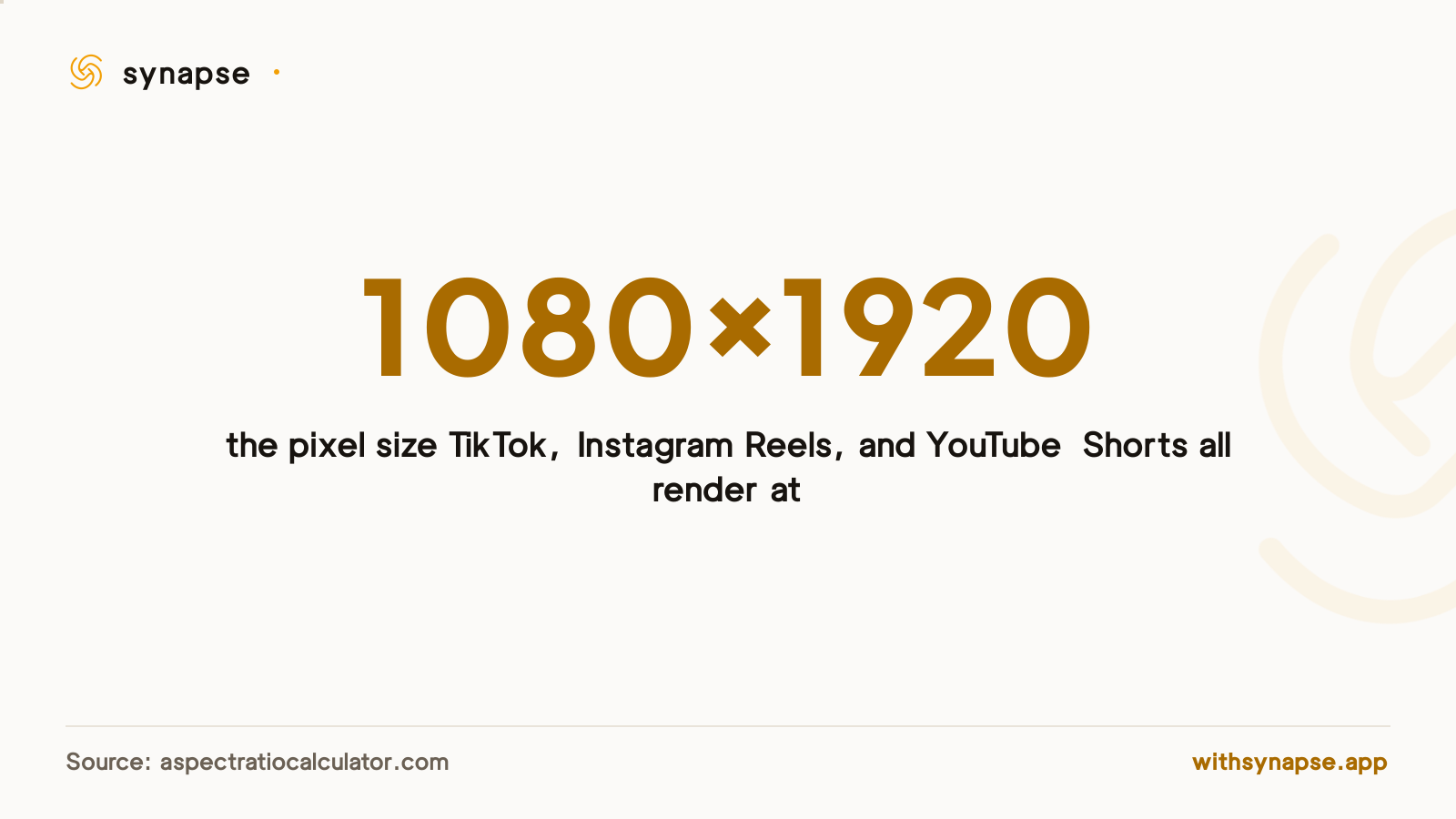
TikTok, Instagram Reels, and YouTube Shorts all render vertical video at a 9:16 aspect ratio and 1080×1920 pixels, confirmed across all three platforms' current specs. A single export fits the frame everywhere without cropping or adding letterbox bars. Identical dimensions don't mean an identical layout, though: each app overlays its own caption box, profile chip, and action buttons in slightly different spots along the bottom third, so text or a subtitle burned into the file can sit behind a button on one platform even though it looked fine on the one you exported from.
Step 1: Export a clean copy, without TikTok's watermark
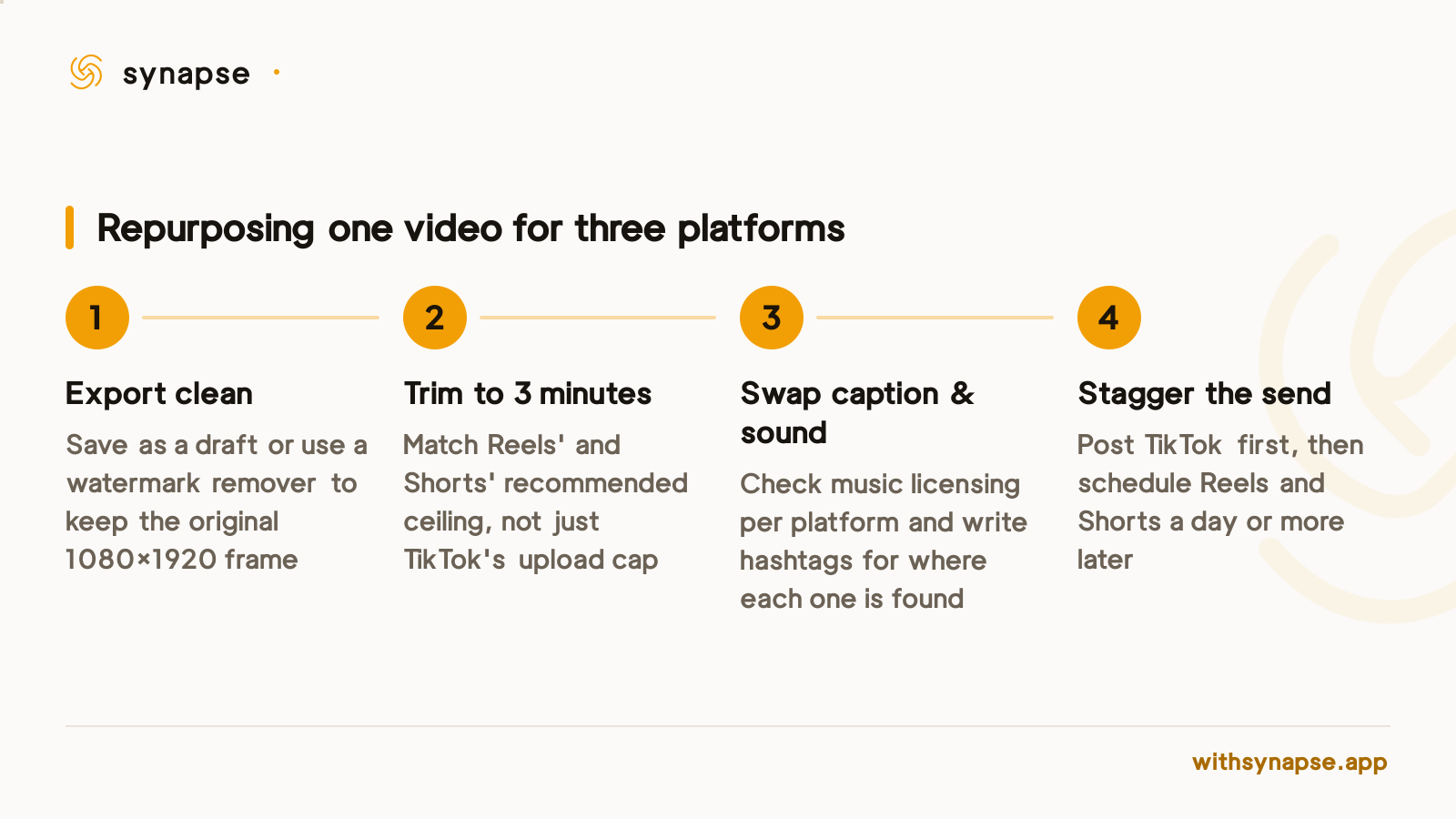
TikTok's in-app "Download" button brands the exported file with a bouncing username watermark, and reposting that file elsewhere is the fastest way to get buried. Instagram has said its ranking systems deprioritize content that visibly comes from another app, and YouTube applies the same treatment to Shorts carrying a competitor's watermark. Neither platform publishes an exact percentage, but both say plainly that a stamped repost gets penalized, not just cosmetically off-brand.
TikTok's own drafts workflow avoids the watermark entirely: uploading a video and saving it as a draft instead of publishing produces a clean, unbranded file at TikTok's original resolution. If you've already posted and only have the public link, dedicated watermark-removal tools reconstruct the frame behind the logo instead of cropping or blurring it, so the original 9:16 framing survives intact.
Step 2: Trim to what each platform's algorithm actually rewards
TikTok, Reels, and Shorts differ less in what they'll accept than in what they'll recommend. Instagram allows Reels up to 20 minutes long but won't show anything over 3 minutes to a new audience, and YouTube Shorts caps its own recommended length at that same 3 minutes. TikTok's recording limit varies by account and region (many accounts now allow multi-minute uploads), but a video built around a 3-minute ceiling for the other two platforms rarely needs further trimming to work on TikTok as well.
| Platform | Frame | Recommended max length |
|---|---|---|
| TikTok | 1080×1920 (9:16) | Varies by account; shorter hooks still outperform |
| Instagram Reels | 1080×1920 (9:16) | 3 minutes (longer Reels stop reaching new audiences) |
| YouTube Shorts | 1080×1920 (9:16) | 3 minutes (the platform's own recommended and upload ceiling) |
Step 3: Swap the caption, hashtags, and sound per platform
The video file can travel unchanged; the audio and text around it shouldn't. A trending TikTok sound can trigger a copyright claim on YouTube Shorts if it isn't cleared for that platform, so check a sound's licensing before reposting rather than assuming what played cleanly on TikTok will play cleanly on Shorts. Hashtags carry over even less cleanly: TikTok's discovery tags rarely match what Instagram's Explore or YouTube's Shorts shelf surfaces for the same topic, so writing three short captions is worth more than translating one.
Step 4: Stagger the post instead of publishing everywhere at once
Posting the identical clip to all three platforms in the same minute makes the reuse obvious to both the algorithms and any audience that follows you on more than one app. A common workaround is publishing to the platform the video was built for first (usually TikTok), watching how the hook performs for a day, then adjusting the caption or the opening seconds before it goes out on Instagram Reels or YouTube Shorts. That stagger only holds up if the delayed platforms are actually scheduled in advance rather than manually re-uploaded when the timer runs out, which is where a TikTok scheduler that also reaches Reels and Shorts earns its keep over doing all three by hand.
Doing this by hand vs. scheduling it as one post
Every step above is manual work the first time: exporting, trimming, rewriting three captions, then remembering to actually publish the delayed platforms when their day arrives. Synapse's Shorts/Reels post type sends one vertical video to YouTube, Instagram, Facebook, and TikTok from a single composer, with a separate caption field per platform and a scheduled time per account instead of one blanket send, so the staggering above happens automatically rather than through a calendar reminder. It doesn't remove the watermark or trim the file for you. The video still needs to arrive clean and already cut to length. What it removes is the four separate logins and four separate upload screens, starting at $7/month.
If the goal is reposting a single TikTok as-is, a cross-posting app covers the scheduling half of the job. If the plan is repurposing a wider library of past content rather than one clip at a time, repurposing content across platforms covers the workflow for a whole backlog instead of a single video.
Frequently asked questions
Can I post the exact same TikTok video file to Instagram Reels and YouTube Shorts?
Yes, technically: all three platforms use the same 1080×1920, 9:16 vertical frame, so the file itself doesn't need re-editing. What breaks the repost is a visible TikTok watermark, which both Instagram and YouTube say gets downranked, and a runtime built around TikTok's looser length limits rather than the 3-minute ceiling Reels and Shorts actually recommend.
How do I remove the TikTok watermark before reposting?
Upload the video to TikTok and save it as a draft instead of publishing it, which produces a clean file at TikTok's original resolution with no watermark. If you only have the already-published link, dedicated watermark-removal tools reconstruct the frame behind the logo rather than cropping or blurring it, keeping the original 9:16 framing intact.
Will a repurposed TikTok video get less reach on Reels or Shorts?
Both platforms say they deprioritize content carrying a visible watermark from another app, though neither publishes an exact percentage penalty. A clean, unwatermarked export avoids that specific penalty. The length and captioning still need adjusting per platform for a fair shot at being recommended.
Do I need to change the sound when reposting to YouTube Shorts?
Check the sound's licensing before reposting. A trending sound cleared for TikTok isn't automatically cleared for YouTube, and using an uncleared track on Shorts can trigger a copyright claim even though the same audio played without issue on TikTok.
Can a scheduler post the same video to TikTok, Instagram, and YouTube automatically?
Yes. Synapse's Shorts/Reels post type sends one vertical video to TikTok, Instagram, Facebook, and YouTube from a single composer, with its own caption per platform and its own scheduled time per account, so the staggered send described above doesn't need a manual reminder.