
If you want to post to Instagram and Threads at the same time, Instagram's own app only gets you partway there. The native cross-post toggle works for a single still image you publish live, not for Reels, not for carousels, and not for anything scheduled in advance. Everything else needs a scheduler that connects to both accounts separately and publishes to each on its own.
Why Instagram's native "Share to Threads" toggle falls short
The toggle sits on Instagram's final share screen and only applies the moment you tap post. A direct review of the feature found it carries across one still image and produces a thumbnail with a link for anything else — Reels, carousels, and Stories don't cross-post at all. Hashtags don't survive the trip either: Threads tucks them behind a "Show hashtags" link and allows only one Topic Tag per post, which works differently from a hashtag.
- Works for one still image only, leaving Reels, carousels, and Stories behind
- Only fires when you publish live, not when a scheduled Instagram post goes out
- Hashtags hide behind a tap; Threads allows one Topic Tag per post instead
- Lives on the composer's final screen, with no setting that applies it to a scheduled post
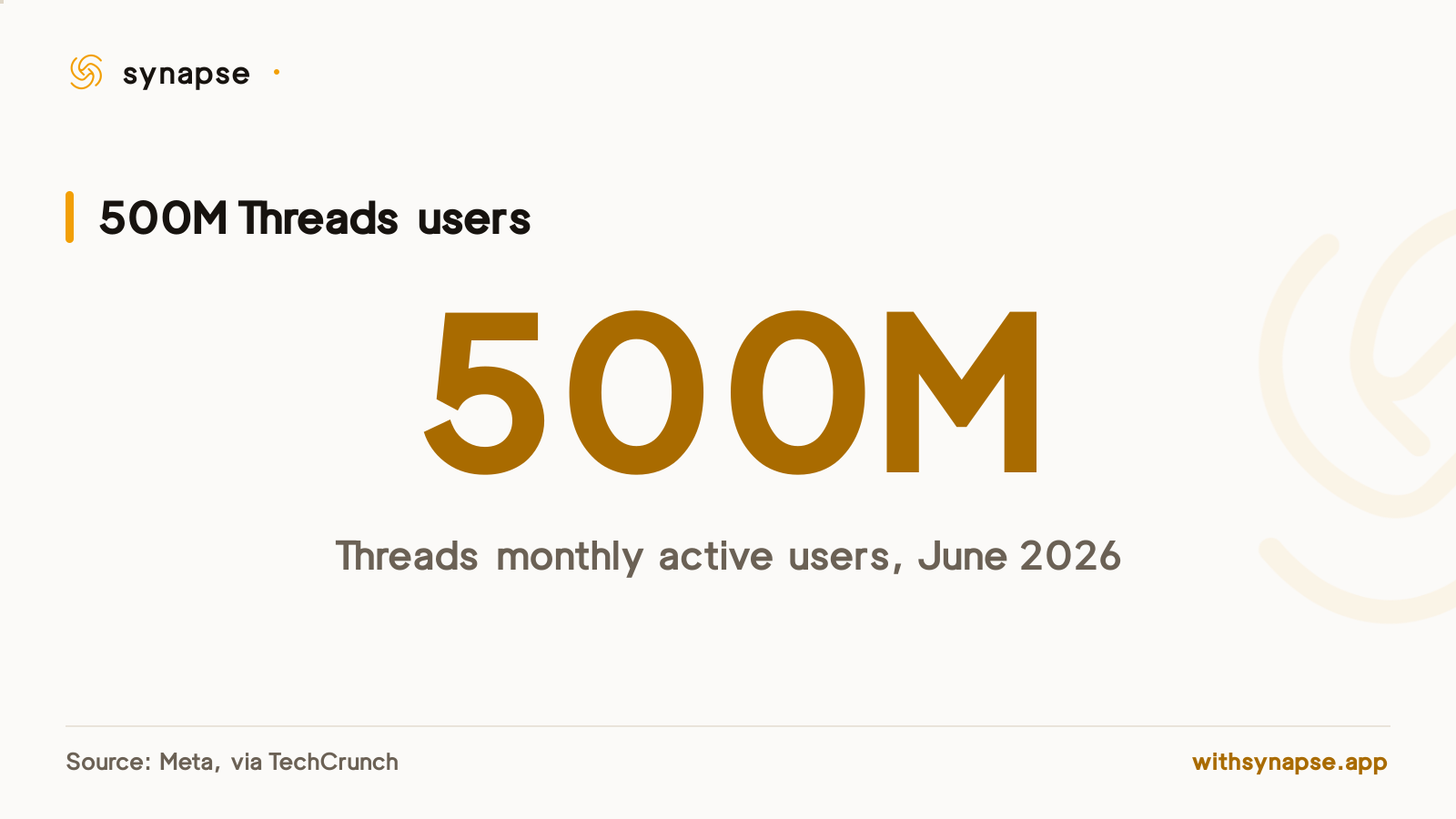
Skipping Threads to save a step is a bigger trade-off than it used to be. Threads passed 500 million monthly active users in June 2026, Meta's fastest app ever to reach that scale, and Instagram head Adam Mosseri called it a community the team is "truly honored" to see grow that large. Threads still has no native scheduler of its own; see our Threads scheduler guide for what that means day to day.
What a connected scheduler actually does differently
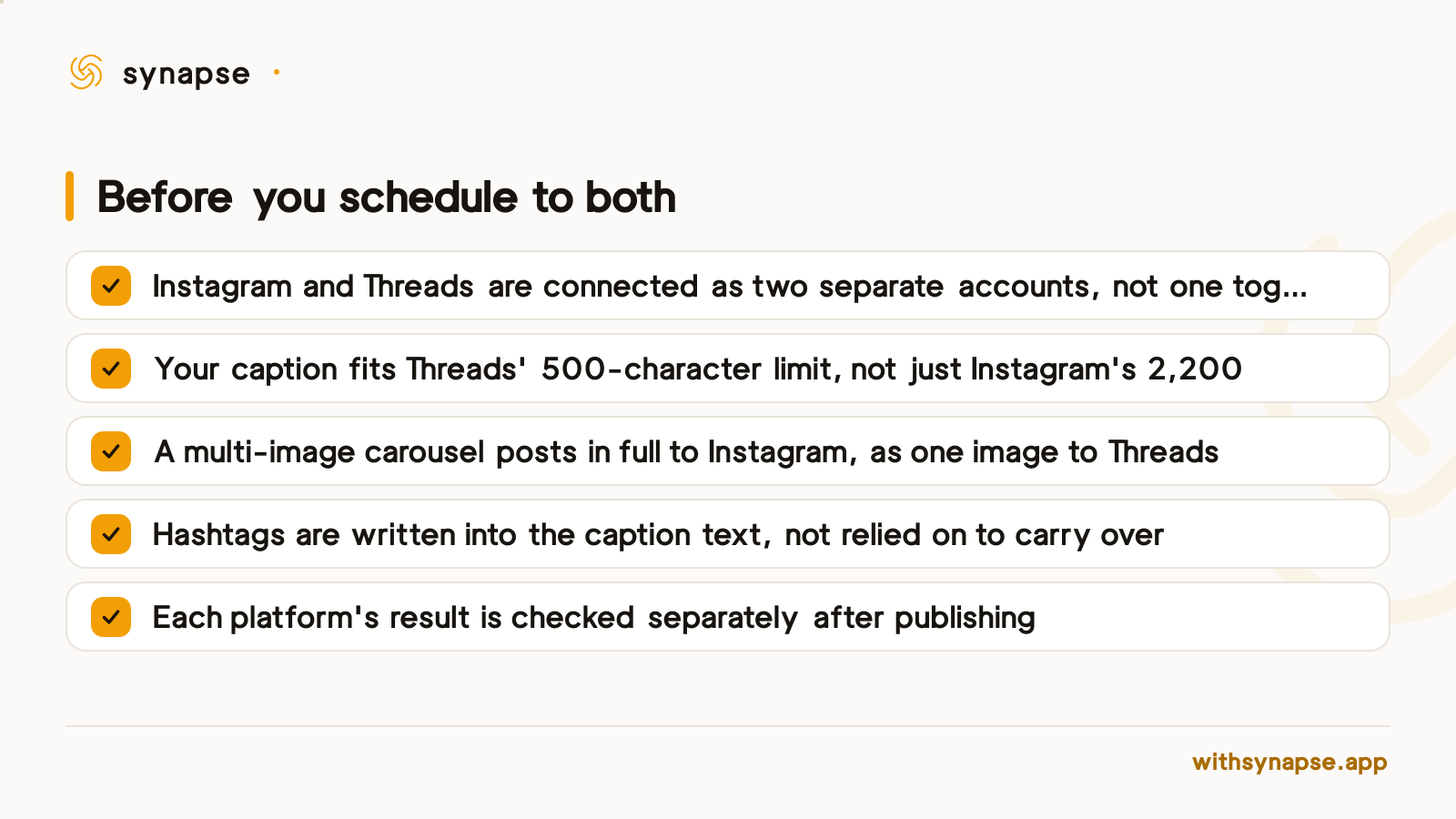
A tool like Synapse treats Instagram and Threads as two separate connected accounts, not one switch. You write a post once, pick both accounts, and override the caption per platform if you need to — useful here, since Threads caps a post at 500 characters against Instagram's 2,200. Each account publishes independently, so a result that fails on one platform doesn't block or duplicate the other; our guide to why scheduled posts fail covers what to do when one account needs a retry.
| Feature | Threads | |
|---|---|---|
| Caption limit | 2,200 characters | 500 characters |
| Images per post | Multiple (carousel) | One only |
| Video per post | One | One |
| Native in-app scheduling | Through Meta Business Suite | None |
| Hashtags on a cross-posted item | Shown normally | Hidden behind a tap; one Topic Tag instead |
The carousel catch even a connected scheduler can't avoid
Threads' own API accepts one image or one video per post, never a carousel, so no scheduler can send a five-image Instagram carousel to Threads as five images, whatever its marketing copy implies. Reading how Synapse's own publishing code handles this confirms the honest version: a post with multiple images publishes the full carousel to Instagram, and Threads receives only the first image in that batch. If the third slide is the one carrying your message, write around that assumption rather than finding out after the fact.
How to post to Instagram and Threads at the same time, step by step
- Connect Instagram and Threads as separate accounts in your scheduler, not one combined login
- Write the post once, then override the Threads caption if it runs past 500 characters
- Pick media that works on both: a single image or one video posts cleanly to each; a multi-image carousel only posts in full to Instagram
- For a Reels-style vertical video reaching both apps, use a regular video post rather than a Shorts-only post type, since Shorts routing on most schedulers skips Threads
- Schedule or auto-pick a time, then check the per-account result after it publishes
How often to post to Threads alongside Instagram
Posting frequency is a separate decision from cross-posting mechanics. Our Threads posting frequency guide covers how often to post there on its own; the short version is that a cross-posted schedule doesn't need to match either app's ideal cadence exactly, since a scheduler publishes to each account independently rather than mirroring one feed into the other.
Does Instagram's share-to-Threads option work with a scheduled post?
No. The toggle only applies when you publish from Instagram's live composer, not when a scheduled post goes out automatically.
Can you post a Reel to both Instagram and Threads at the same time?
Not through Instagram's native toggle, which carries over a still image only. A scheduler that connects both accounts and posts a regular video, rather than a Shorts-only post type, can reach both.
Do hashtags carry over from Instagram to Threads?
Not as usable hashtags. Threads hides cross-posted hashtags behind a "Show hashtags" link and allows one Topic Tag per post instead, so hashtags written for Instagram's feed won't show the same way on Threads.
Does Threads support multi-image carousel posts?
No. Threads' posting API accepts one image or one video per post, so a scheduler sending an Instagram carousel to Threads at the same time can only forward a single image from it.
Do you need separate Instagram and Threads accounts connected to a scheduler?
Yes. Even though Threads logs in through an Instagram account, a scheduler treats them as two distinct connections so it can post, retry, and report results for each independently.
What happens if the post succeeds on Instagram but fails on Threads?
A scheduler built around per-account publishing records each result separately, so you can retry just the failed account without re-posting to the one that already went out.